Advertisement
Click to download now, finish the installation quickly, and directly unlock the all-round experience
Advertisement
Screenshots
Click to download now, finish the installation quickly, and directly unlock the all-round experience
Magnifying Glass uses your phone’s camera to enlarge text and nearby objects on screen. It suits people who need a closer look at labels, printed pages, device serial numbers, or small components without reaching for a separate magnifier. The central reason to keep it is simple: your phone can become a quick reader for details that are otherwise hard to make out.
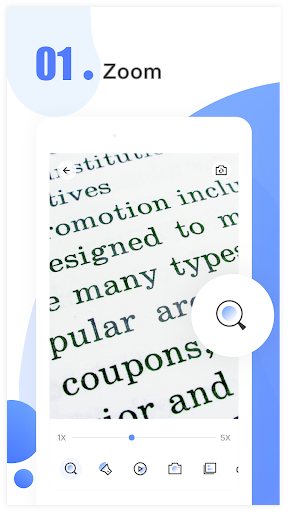
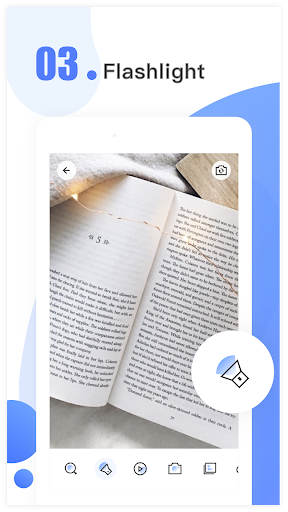
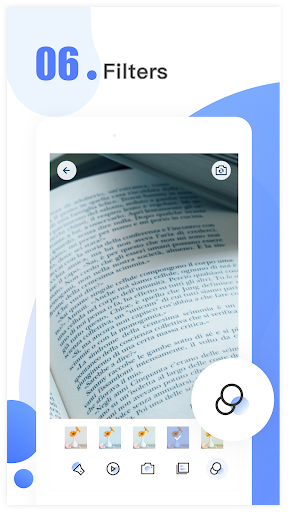
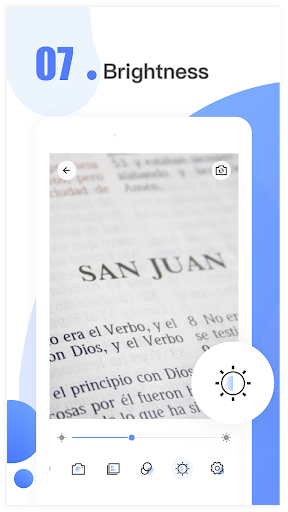
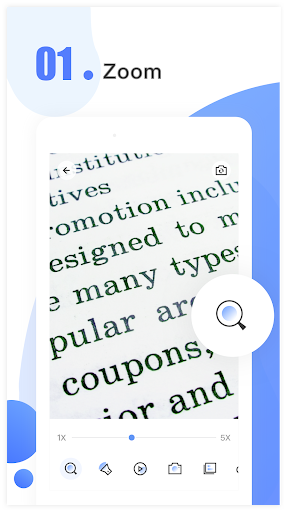
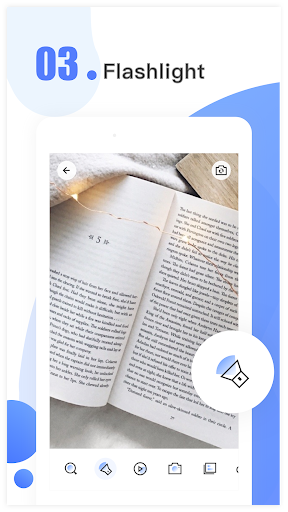
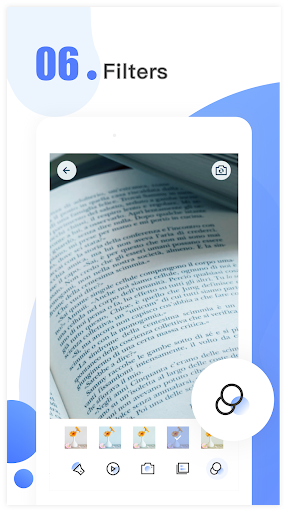
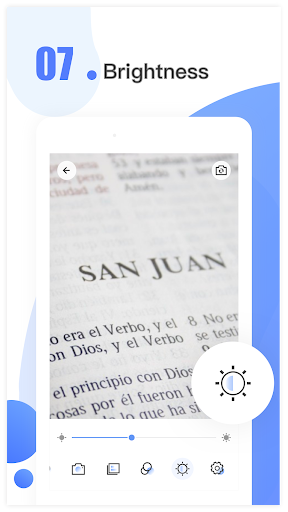
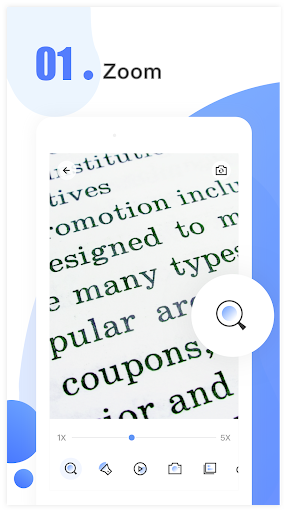
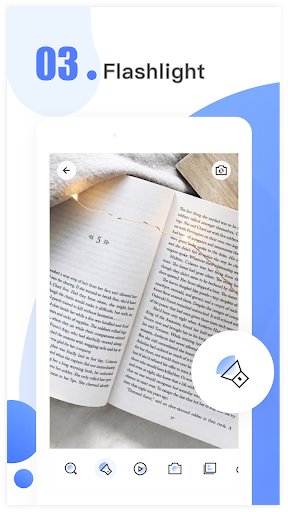
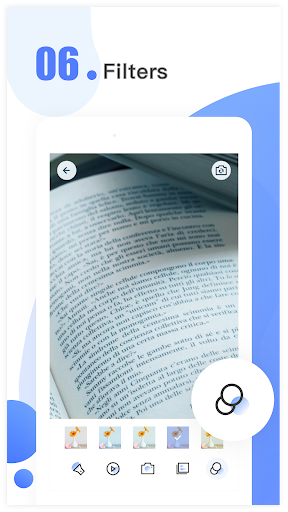
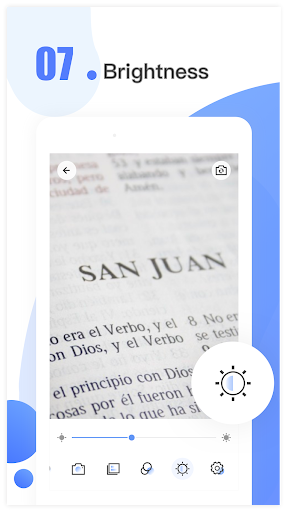
Pinch to change magnification, with zoom ranging from 1× to 10×. When the image is difficult to see, you can switch on the camera flash for extra light, adjust screen brightness, or choose a visual filter. These controls help adapt the view to different surroundings, from a dim room to a bright page.
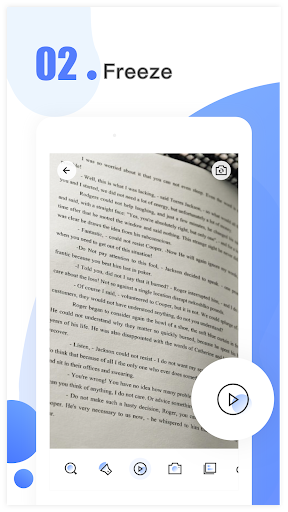
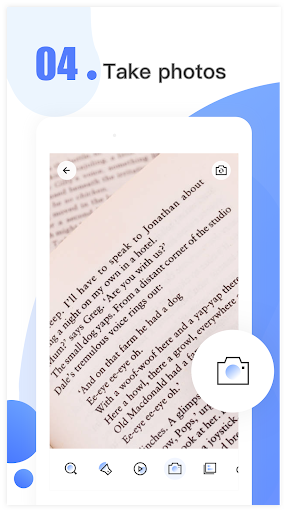
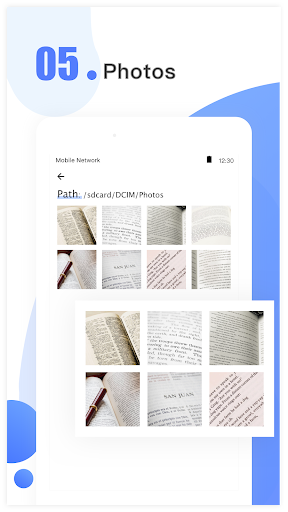
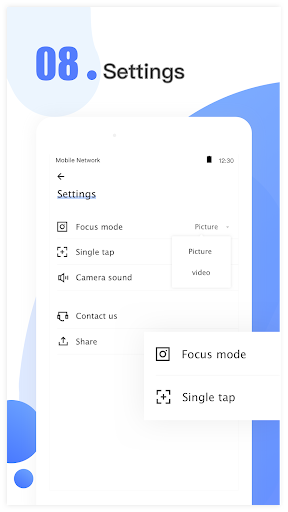
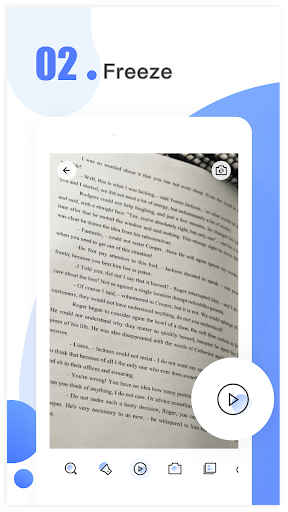
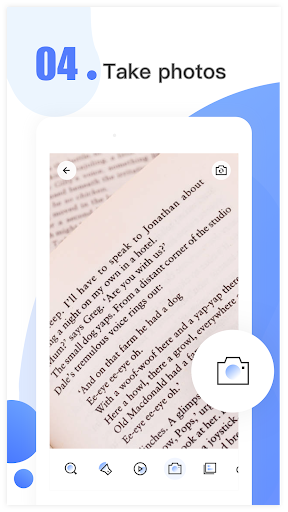
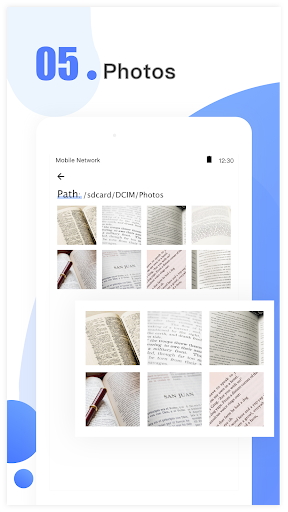
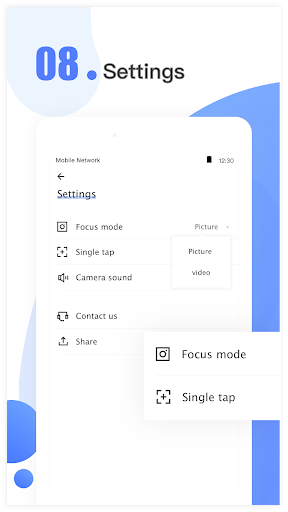
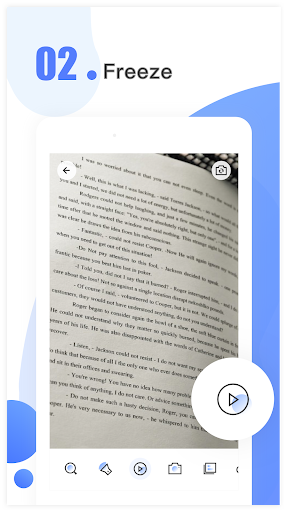
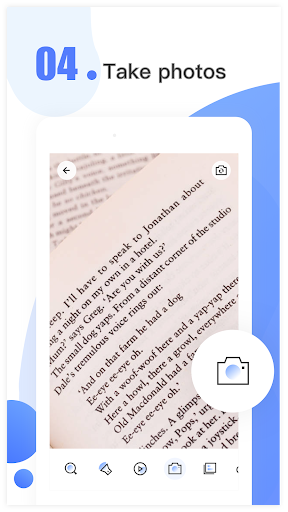
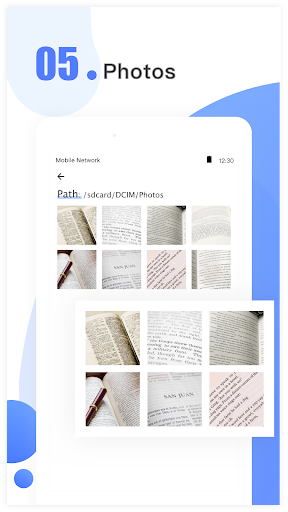
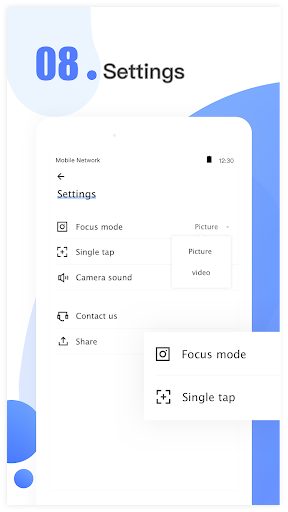
If holding the phone steady is awkward, freeze the image and inspect it on screen. You can also take magnified photos, then browse the saved images to share or delete them. That makes the app useful when you want to check a detail more carefully or refer back to it later, rather than keeping the camera pointed at it.
This is a focused camera utility, not a replacement for a dedicated microscope or specialist vision equipment. It is best for everyday close-up checks and reading small print. Magnifying Glass is published by Binghuo Studio and has a 4.72 rating from 168,436 reviews, with more than 10 million installs. Those figures suggest many users have found a place for this straightforward tool on their phones.