Advertisement
Click to download now, finish the installation quickly, and directly unlock the all-round experience
Advertisement
Screenshots
Click to download now, finish the installation quickly, and directly unlock the all-round experience
iVCam Webcam turns an Android phone or tablet into a webcam for a Windows computer. It suits people who want to use their phone’s camera for video calls or replace a built-in or USB webcam. The Windows client is required, so this is useful only if you can install and use the companion software on your PC.
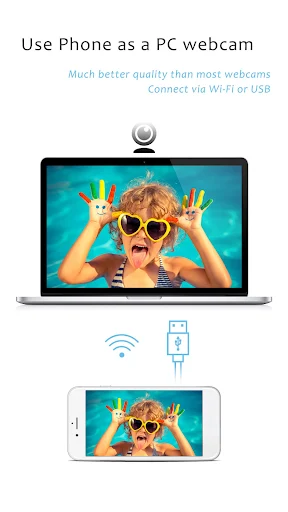
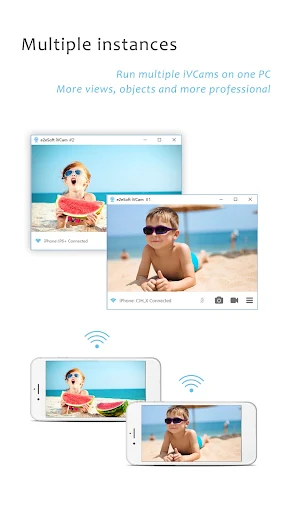
The practical advantage is having another camera available without buying a separate webcam. iVCam can connect over Wi-Fi or USB, and the phone can use its front or rear camera. You can switch between cameras and orientations, and choose from supported video sizes, including HD options. The exact result will depend on the phone, connection and PC.
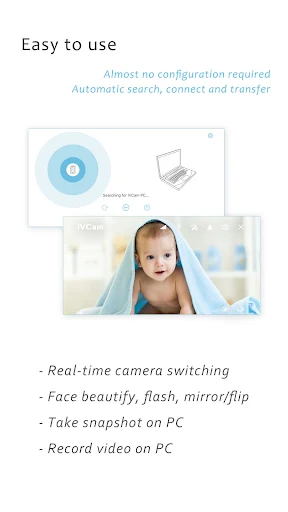
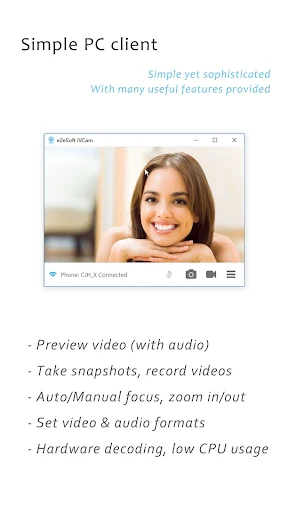
The app can also send the phone’s audio to the computer for use as a microphone. On the Windows side, the client supports previewing the feed, taking pictures and recording video. Camera controls include focus, exposure, white balance and zoom, while effects include background blur and replacement. These extras give you some control over the feed, but the central job remains turning the phone into a PC webcam.
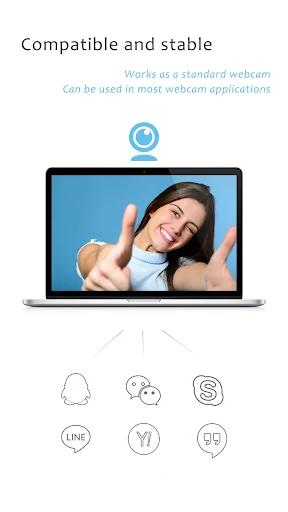
iVCam is a Tools app from e2esoft, with a 3.8-star average from 64,386 ratings and more than 5 million installs. Those figures offer a sense of its reach, not a guarantee that it will suit your setup. Check that you can use the Windows client and that your preferred video-call or camera software accepts its webcam feed. If you need a webcam for a Windows PC and already have a suitable phone, that is the reason to consider it.