
Advertisement
Click to download now, finish the installation quickly, and directly unlock the all-round experience
Advertisement
Screenshots
Click to download now, finish the installation quickly, and directly unlock the all-round experience
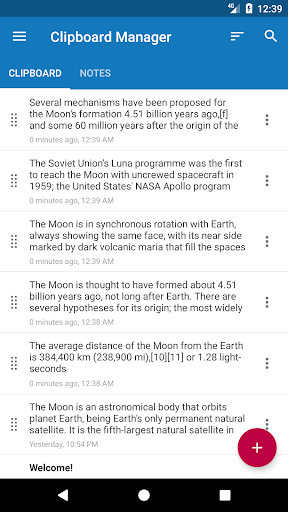
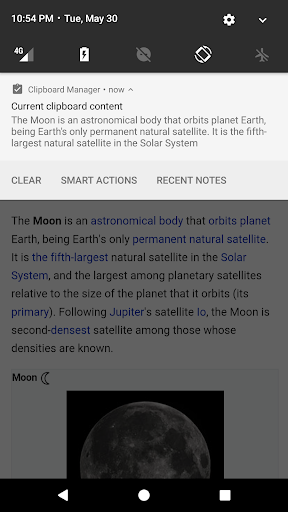
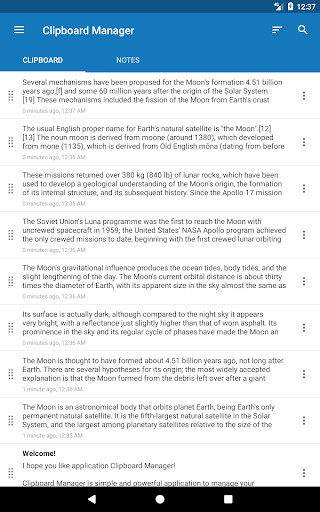
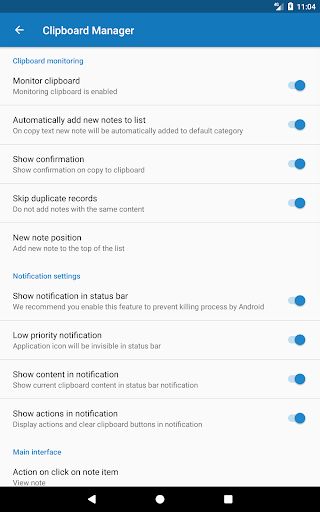
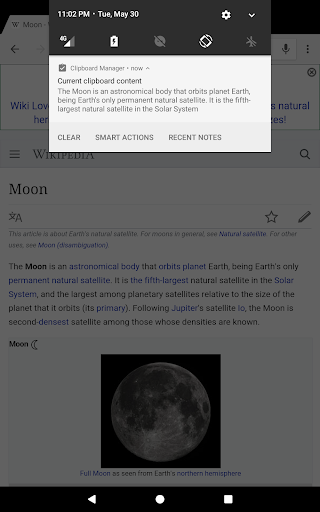
Clipboard Manager keeps a history of text you copy, so useful snippets do not have to disappear when you copy something else. It suits people who regularly reuse addresses, reference text, links or other short pieces of writing. Copied text is added to the history automatically, where you can return to it later.
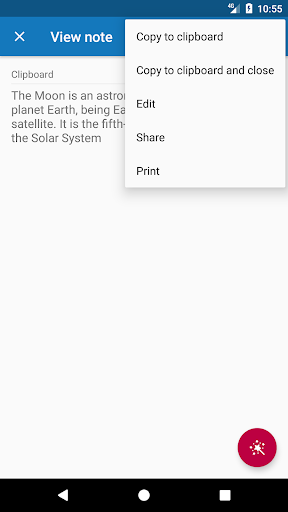
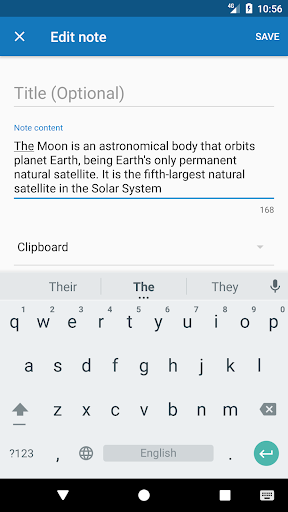
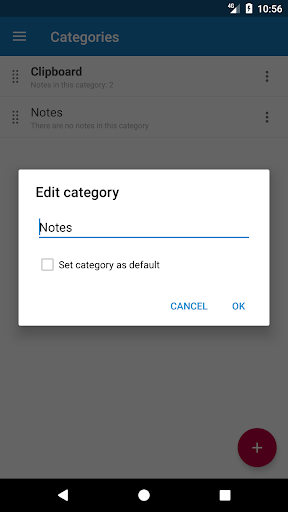
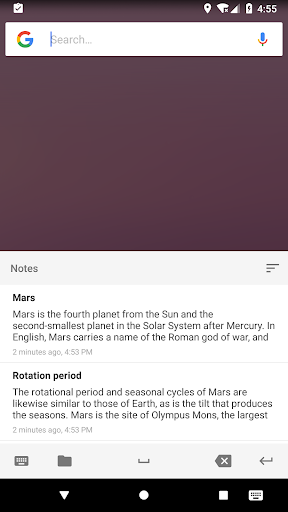
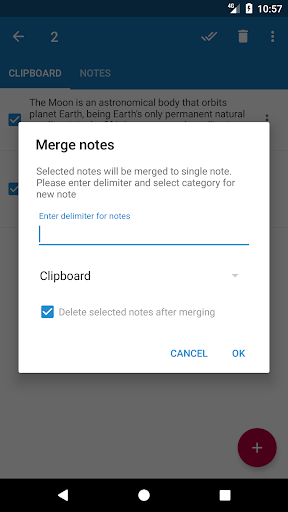
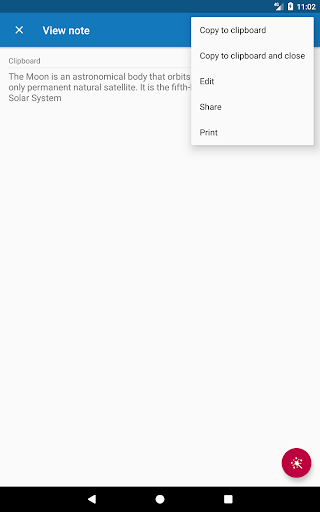
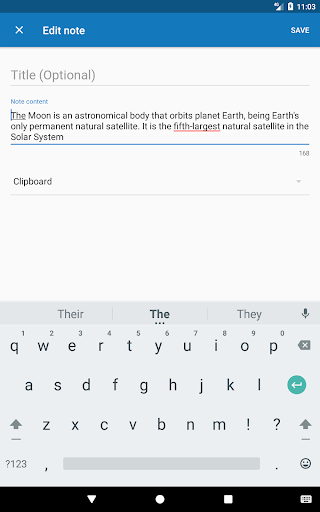
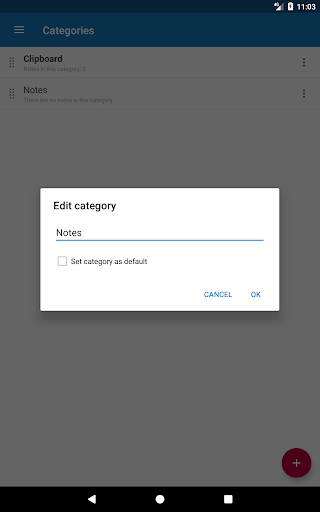
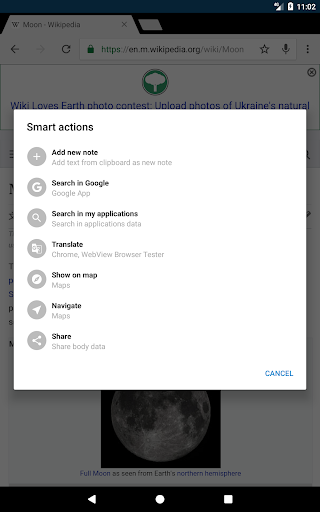
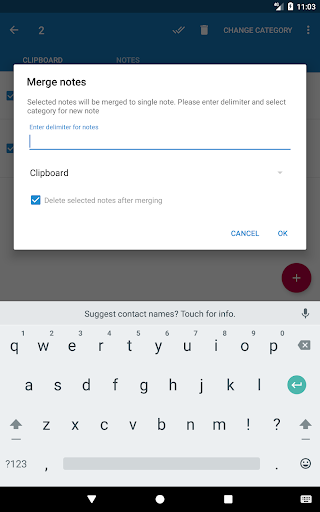
You can organize notes into categories, search for a saved item and change the order of your notes. The app also supports merging notes and sharing one or several at once. For quick reuse, notes can be pasted from the keyboard, and recent items are kept readily accessible. These tools make the history more useful than a simple list that grows without any way to sort through it.
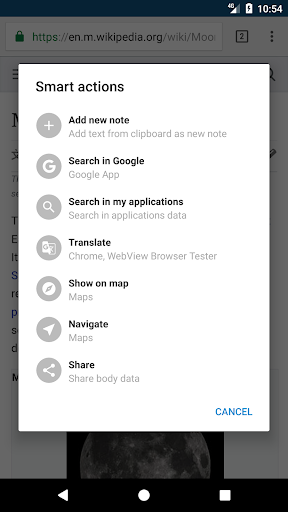
Clipboard Manager can clean clipboard content, the default category and the trash automatically. Automatic clipboard clearing is off by default. Optional cloud backup is available, and you can also import or export data to a file. The app includes a confirmation for new notes, giving you another point of control over what enters your collection.
This is most useful if you often copy text you expect to need again and want a searchable place for it. It is less compelling if you only need the latest copied item. Clipboard Manager is listed in Productivity, developed by devdnua, and has more than 1,000,000 installs. Its 3.06 rating across 6,880 ratings suggests a mixed reception, so the central question is whether a persistent, organized clipboard history solves a regular problem for you.